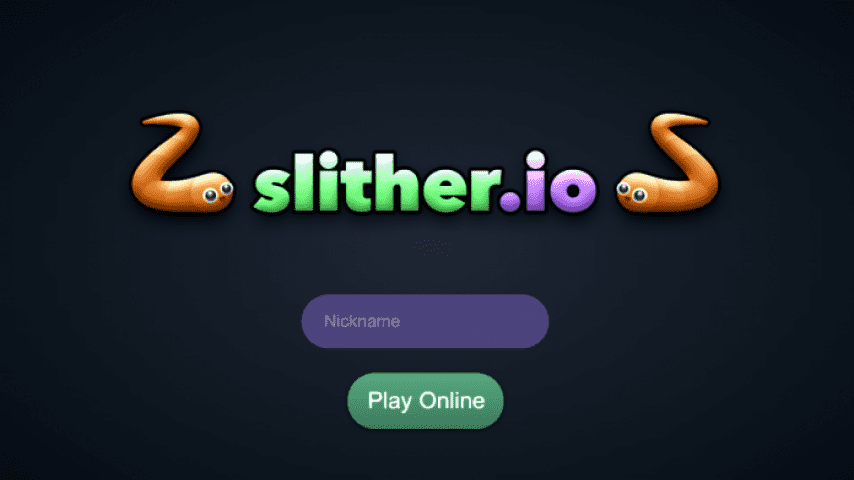
Slither.io is an online multiplayer game that involves guiding a snake through a virtual world, avoiding other snakes, and eating pellets to grow in size. Here is a step-by-step guide on how to play Slither.io:

Step 1: Launch the Game
The first step in playing Slither.io is to launch the game. The game can be played on various platforms, including desktops, smartphones, and tablets. The game can be found on various online game platforms, such as slither.io and other online game portals.
Step 2: Choose a Username
Once the game is launched, the player is prompted to enter a username. This username will be used to identify the player in the game.
Step 3: Control the Snake
The snake is controlled using the arrow keys on the keyboard or by swiping on the screen if playing on a mobile device. The left and right arrow keys turn the snake left and right, respectively. The snake moves forward automatically, and the player cannot stop it.
Step 4: Eat Pellets
As the snake moves through the virtual world, it encounters pellets that need to be eaten to grow in size. The pellets can be eaten by running the snake over them. The more pellets the snake eats, the longer it becomes.
Step 5: Avoid Other Snakes
The virtual world is populated by other snakes that need to be avoided. If the snake collides with another snake, it dies and the game is over. The player needs to use strategy and skill to navigate the snake through the virtual world and avoid collisions with other snakes.
Step 6: Use Boosts
Slither.io has boosts that can be used to speed up the snake's movements. The boost can be activated by pressing the space bar on the keyboard or tapping on the boost icon if playing on a mobile device. The boost drains the snake's length and can only be used for a limited time.
Step 7: Cut Off Other Snakes
An advanced strategy in Slither.io involves cutting off other snakes and causing them to crash into the player's snake. This can be done by encircling the other snake and causing it to run into the player's snake. However, this strategy is risky and requires careful timing and skill.
Step 8: Customize the Snake
The game allows the player to customize the snake's appearance by choosing from a range of colors and designs. The customization options can be accessed by clicking on the "Change Skin" button in the game's main menu.
Step 9: Share Scores and Play with Friends
Slither.io allows players to share their scores on social media platforms such as Facebook and Twitter. The game also has a feature that allows players to create private rooms and play with friends.
In conclusion, Slither.io is a fun and engaging online multiplayer game that requires skill, strategy, and quick reflexes to avoid other snakes and grow in size. By following these steps, players can enjoy the game's unique gameplay, engaging design, and social features.